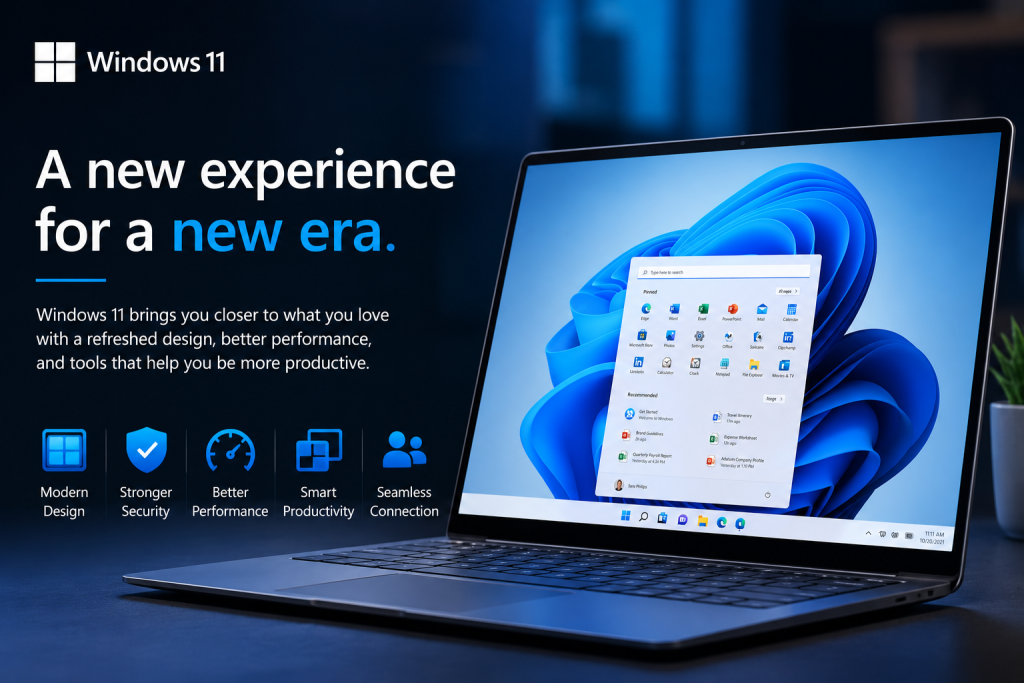
Technology has become an essential part of our daily lives. Whether we use a computer for work, education, entertainment, communication, or creativity, the operating system plays a vital role in making everything function smoothly. An operating system is the software that manages a computer’s hardware and allows users to run applications. Among the many operating systems available today, Windows 11 is Microsoft’s latest and most advanced desktop operating system.
Released in October 2021, Windows 11 was designed to provide a cleaner interface, better performance, stronger security, and improved productivity. While it introduces many modern features, it remains familiar enough that existing Windows users can easily adapt to it. Whether you are a student, a professional, a gamer, or someone who simply uses a computer for everyday tasks, Windows 11 offers tools and features that make computing easier, faster, and more enjoyable.
What is Windows 11?
Windows 11 is the latest version of the Microsoft Windows operating system. It serves as the foundation that allows a computer to run programs, connect to the internet, manage files, and interact with hardware such as printers, keyboards, cameras, and storage devices.
Compared to previous versions, Windows 11 focuses on simplicity, efficiency, and a modern user experience. Microsoft redesigned many parts of the interface to create a cleaner and more organized desktop while improving performance and security behind the scenes.
A Fresh and Modern Design
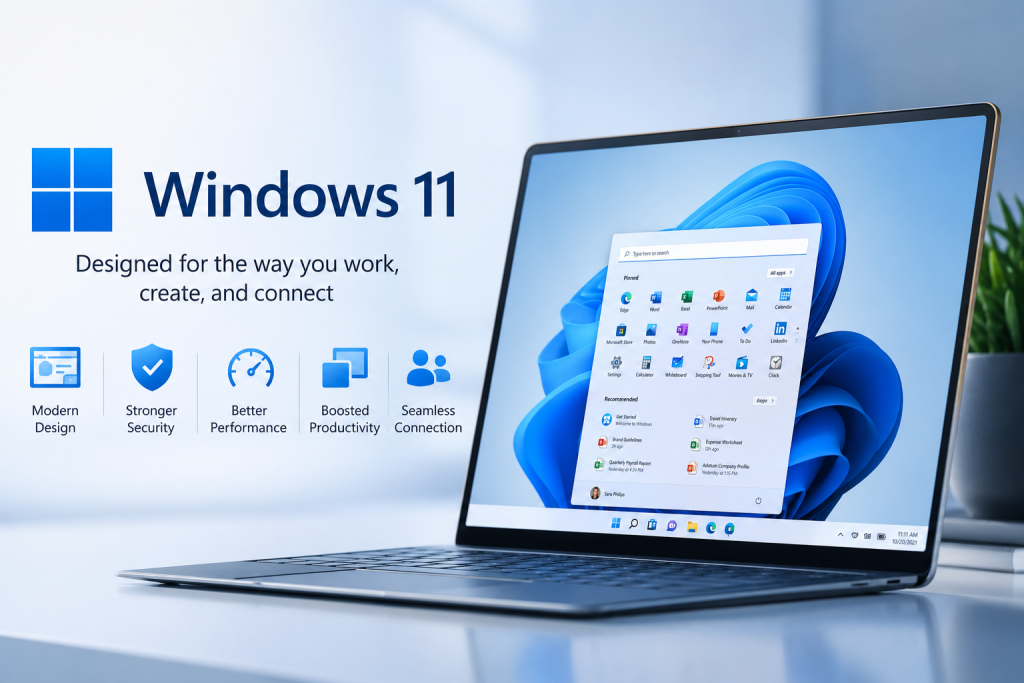
One of the first things users notice about Windows 11 is its refreshed appearance. The Start menu is now centered on the taskbar by default, giving the desktop a modern and balanced look. Rounded window corners, updated icons, softer colors, and smoother animations make the operating system feel elegant and user-friendly.
The Start menu has also been simplified. Instead of displaying many live tiles, it now presents pinned applications and recommended files in a clean layout, making it easier to find frequently used programs and recently opened documents.
Better Performance and Speed
Windows 11 has been optimized to deliver better performance on supported devices. The operating system starts more quickly, wakes from sleep faster, and manages memory more efficiently. Applications generally launch faster, and background processes are better organized, helping computers run more smoothly.
Battery-powered devices such as laptops also benefit from improved power management, allowing users to work longer between charges.
Improved Productivity Features
Windows 11 introduces several features designed to help users stay organized and productive.
Snap Layouts allow users to arrange multiple application windows into organized layouts with just a few clicks. This is especially useful for multitasking, such as writing a report while researching online or comparing multiple documents.
Virtual Desktops enable users to create separate workspaces for different activities. For example, one desktop can be used for work, another for school, and another for personal entertainment, helping reduce distractions and keep tasks organized.
The improved Task View makes switching between open applications and desktops simple and efficient.
Stronger Security
Security has become more important than ever as cyber threats continue to grow. Windows 11 includes several advanced security features that help protect users and their data.
Microsoft requires supported devices to include technologies such as Trusted Platform Module (TPM) 2.0 and Secure Boot, which provide stronger protection against malware and unauthorized access.
Windows Security includes built-in antivirus protection through Microsoft Defender, firewall protection, ransomware defense, and regular security updates delivered automatically. These features help keep computers protected without requiring users to install additional security software.
Enhanced Gaming Experience
For gaming enthusiasts, Windows 11 offers significant improvements. Features such as DirectStorage help games load faster by allowing compatible storage devices to transfer data more efficiently. Auto HDR enhances graphics by improving brightness and color in supported games.
Windows 11 also integrates well with Xbox services, making it easier for players to access games, connect with friends, and enjoy cloud gaming where available.
Microsoft Store and Android Apps
Microsoft redesigned the Microsoft Store to make it easier to discover and install applications. The updated store offers a wider variety of software, educational tools, entertainment apps, and utilities.
One of the most exciting additions is support for running selected Android applications through compatible technologies. This expands the number of applications users can enjoy directly on their Windows computers.
Better Support for Hybrid Work and Online Meetings
As remote work and online education have become more common, Windows 11 includes several features that improve virtual communication.
Microsoft Teams integration allows users to quickly connect with colleagues, classmates, friends, and family through video calls and messaging.
Improved camera controls, microphone management, and background noise reduction help create better online meeting experiences.
Accessibility for Everyone
Windows 11 includes many accessibility features that make computers easier to use for people with different needs.
Features such as Voice Typing, Narrator, Magnifier, Closed Captions, Voice Access, and improved keyboard navigation help users interact with their computers more comfortably and independently.
Microsoft continues to improve accessibility so that technology remains inclusive and available to everyone.
System Requirements
Unlike previous Windows versions, Windows 11 has stricter hardware requirements. A compatible computer generally needs:
-
- A 64-bit processor with at least two cores
-
- 4 GB or more of RAM
-
- 64 GB or more of storage
-
- TPM 2.0 support
-
- Secure Boot capability
-
- A DirectX 12 compatible graphics card
-
- A compatible display with at least 720p resolution
These requirements help ensure better performance, reliability, and security.
Advantages of Windows 11
Windows 11 offers several important benefits:
-
- Modern and attractive user interface
-
- Improved system performance
-
- Enhanced security features
-
- Better multitasking with Snap Layouts
-
- Excellent support for remote work and online learning
-
- Strong gaming performance
-
- Regular updates and long-term support
-
- Better battery efficiency on supported laptops
Some Limitations
Although Windows 11 offers many improvements, it also has a few limitations.
Some older computers cannot be upgraded because they do not meet the new hardware requirements. Certain users may also need time to become familiar with the redesigned interface. Additionally, some older software or hardware devices may require updated drivers or may not be fully compatible.
However, for most users with modern computers, these limitations are relatively minor compared to the benefits.
The Future of Windows 11
Microsoft continues to improve Windows 11 through regular updates that introduce new features, better security, AI-powered tools, and performance enhancements. Recent updates have incorporated artificial intelligence into everyday computing, helping users search faster, organize work more efficiently, and complete tasks with greater ease.
As technology continues to evolve, Windows 11 is expected to remain a key platform for education, business, creativity, software development, and digital communication.
Final Thoughts
Windows 11 is more than just a visual upgrade—it represents Microsoft’s vision for the future of personal computing. By combining a modern design, improved productivity, stronger security, better gaming capabilities, and intelligent features, it provides a balanced experience for users of all skill levels.
Whether you are writing documents, attending online classes, editing photos, playing games, browsing the web, or managing a business, Windows 11 offers the tools needed to perform these tasks efficiently. As digital technology becomes increasingly important in everyday life, learning how to use Windows 11 effectively is a valuable skill that can improve productivity, creativity, and confidence. With continuous updates and innovations, Windows 11 is well positioned to meet the computing needs of today and the opportunities of tomorrow.